Remove a URL From Google: Why the Removals Tool Brings Pages Back After Six Months, and When It Hides More Than You Meant
Search Console's Removals tool hides an address from Google for about six months and does not delete it, and a prefix without a trailing slash can hide pages you never meant to. How to write the address, and how to make the removal last.
In this article
An offer that ended, a page published by mistake, pages a hacker added to your site: you want them gone from Google now, not in a few weeks. When you need to remove a URL from Google quickly, the official way is the Removals tool in Search Console. But two things about it catch many people out: the removal is temporary, and one character in the address can hide pages you never meant to hide. This article explains what the tool does, how to write the address, and how to make the removal last.
Does the Removals tool remove a URL from Google for good?
It hides the address from Google's results for about six months (180 days), as Google's own help page says.
It does not delete the page from Google's index or from your site. If the page stays as it is, it can come back to the results when the time is up.
It does not stop Google from visiting the page. Hiding is about what shows in the results, not what Google reads.
So the tool is first aid, not a cure. The cure is on your site, and we come to it below.
The two options: one address, or everything with the prefix
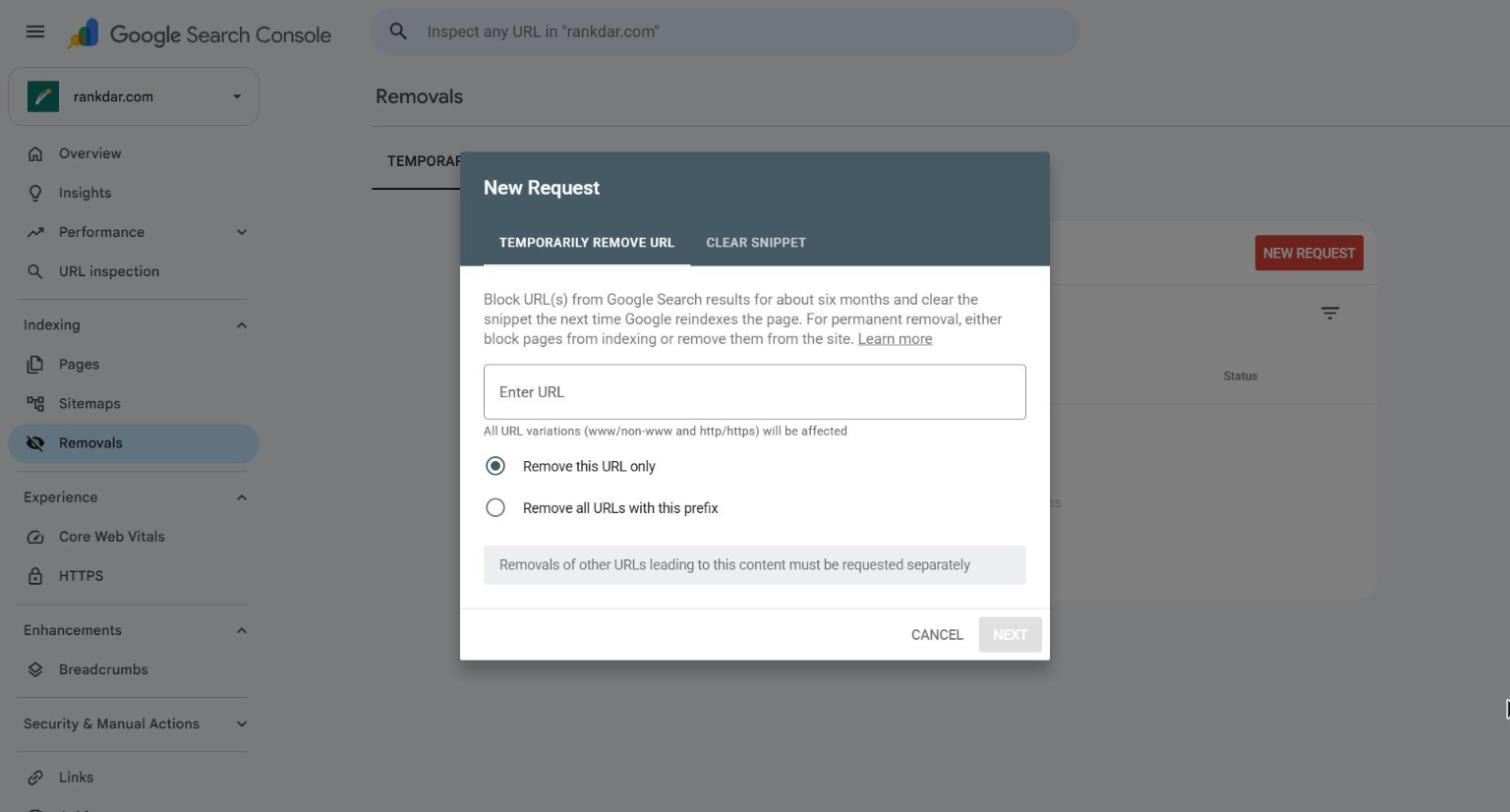
The New Request dialog in Search Console's Removals tool.
"Remove this URL only"
It hides the address that matches exactly what you wrote, with its extension and parameters: /offer?id=5 is not /offer. Anything after a # is ignored.
"Remove all URLs with this prefix"
It hides every address that starts with what you wrote, with and without www, over http and https alike. It does not cover other subdomains such as m. or amp., and letter case matters: /Offer and /offer are two addresses.
The common mistake: a prefix without a trailing slash
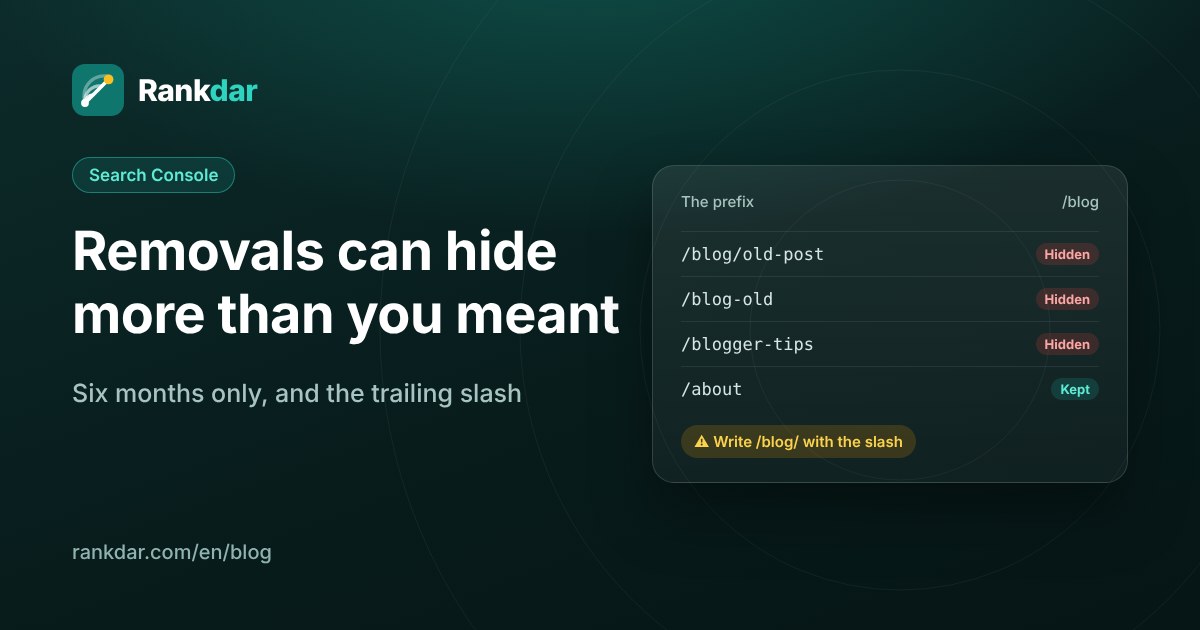
This is where many go wrong. A prefix means "everything that starts with these characters", not "this folder". Google's help page gives the example: the prefix /page with no slash at the end removes /page, /pageB and everything inside /page/.
So if you want to hide the posts of an old section and type /blog, every page whose address starts with those characters goes too, such as /blog-old or /blogger-tips, and perhaps pages that bring you visits today.
To hide only what is inside the folder, write the prefix with a slash at the end:
/blog/.To hide the folder's own page as well, ask for it on its own with "Remove this URL only".
Before you send the request, go through your site's list of pages and look for any other address that starts with the same characters.
How do you make the removal last?
Within the six months, fix it on your site in one of the three ways Google names:
Delete the page so its address answers 404 or 410.
Protect it with a password if it must stay for a certain group.
Add a noindex tag if it must stay open to visitors but out of search results. Do not block it in robots.txt as well: Google cannot see a noindex tag on a page it cannot visit.
If the pages were added by a hacker, delete them first, fix how they got in, then ask for the temporary removal so they leave the results until Google visits them and finds them gone.
How do you check the fix worked?
The Removals tool hides; it does not tell you whether your site is fixed. After the fix, run Site Health in Rankdar: the audit lists the pages that answer 404 or 410 and the pages that carry noindex. With Search Console connected, the same audit shows how Google indexes your pages.
Read next: strange 404 errors in Search Console and where they come from.
In short
The Removals tool hides an address for about six months and does not delete it. Write the prefix with a trailing slash when you mean a folder, check what else starts with the same characters before you send, then make the removal last on your site with deletion, a password or noindex. Source: Google's help page on the Removals tool. Audit your site in Rankdar for free.
- #Search Console
- #Technical SEO
- #Removing pages