Your Site Is Not on Google? An SEO Plan for Business Owners, Without the Jargon
You have a site, but nobody finds you on Google? The most common causes on business sites in plain words, the order to fix them in, and how to get a plan for your site from five questions.
In this article
- Site not showing on Google? The usual causes
- 1. Google is kept out of the site
- 2. The page title and description do not say what you offer
- 3. No clear main heading on the page
- 4. The page is nearly empty
- 5. No sitemap, or a slow site on phones
- Keywords: what do your customers actually type?
- Content: a page for each service, an article for each question
- Can AI see you?
- How Rankdar SEO Agent for business owners writes your site's plan
- One step at a time, not a long list
- If your site runs WordPress
- In what order should you start?
- Frequently asked questions
- Do I need SEO experience to use the plan?
- Do you change anything on my site?
- My site runs on Wix, Shopify or another platform. Does the plan help me?
- How much does it cost?
- In short
You run a clinic, a store or an office. You have a website you spent time and money on, yet nobody finds you when they search Google for what you do. So you open an SEO tool to see why, and find dashboards full of numbers and jargon written for specialists, not for business owners. If your website is not showing on Google, this article is for you: what usually keeps a business site off Google, in plain words, in what order to fix it, and how Rankdar SEO Agent for business owners writes your site's plan from five questions.
Site not showing on Google? The usual causes
On most small business sites the same causes come up again and again, and most of them need no developer, only knowing where to look.
1. Google is kept out of the site
This happens more often than you would think, usually right after launch: the developer leaves WordPress's "Discourage search engines from indexing this site" option on, or puts a noindex tag in the pages, or writes a line in robots.txt that shuts everyone out. The result is the same: Google sees a closed door and does not come in, however good your content is. That is why this comes first in any plan.
2. The page title and description do not say what you offer
The page title is the blue line a searcher sees in Google's results, and the description is the two lines under it. Many sites are titled "Home" or just the company name, with no description at all. Better: a title that names your service, your city and your name, such as "Nour Eye Clinic: LASIK and Femto-LASIK in Cairo", and a description that tells the searcher why to choose you.
3. No clear main heading on the page
The main heading (H1) is the largest heading written on the page, and it tells Google and the visitor what the page is about. Some themes make the logo the main heading; others repeat several main headings on one page. One page, one main heading that describes it.
4. The page is nearly empty
A big picture, a welcome line and a contact button: that is all many home pages hold. But Google needs words to understand what you offer and to whom. Write what you do, where, for whom, what sets you apart and the questions your customers usually ask.
5. No sitemap, or a slow site on phones
A sitemap (sitemap.xml) is a list of your pages that helps Google find all of them. Speed on phones matters because most searchers reach you from one. Most site platforms make the sitemap for you; just check that it exists.
Keywords: what do your customers actually type?
You may call your service "complete vision solutions" while your customers type "eye doctor near me". Keywords are what people actually type into Google, and each one has two numbers that matter to you:
Monthly searches: how many people type it in your country. A keyword searched 50 times a month by people who want exactly what you sell can be worth more than a broad one searched thousands of times.
Difficulty: how strong the sites showing for it now are. Start with the easier ones; they are the shortest road to your first visitors.
Mind the country and the language: if your customers are in Egypt, the numbers that matter are Egypt's, even if your site is in English.
Content: a page for each service, an article for each question
If you offer three services, give each its own page, with its own title, description and keyword, instead of listing them in one line on the home page. Then write articles that answer your customers' real questions: how much does it cost? Is it right for me? What should I expect afterwards? Each good article is a new door through which a searcher reaches your site.
Can AI see you?
More and more people ask ChatGPT and others instead of searching Google. Some sites keep AI tools out in their robots.txt without their owners meaning to, so those tools cannot mention them. The difference matters: some tools read your site to answer people now, others read it to train their models. Keeping out the second kind is your choice; keeping out the first means you will not be mentioned in their answers.
For practical steps, read how to get cited in AI answers.
How Rankdar SEO Agent for business owners writes your site's plan
We built this part of Rankdar for the business owner who does not work in SEO and does not want to learn all of it, but wants to know what to do. You enter your site and answer five questions: what your business does, your main products or services, where your customers are, your site's language, and what you want from it (calls and bookings, sales, or readers). Then:
We read your site: the home page and the pages it links to, robots.txt and the sitemap.
We tell you what keeps it from showing: each problem we actually found on your site, why it matters to you, and where its setting is in your site's panel.
We write the fix for you: where the fix is a text, such as a page title or description, it is written in the page's language for you to copy and paste.
We suggest keywords: keywords your customers search for in their country, with their monthly searches, their difficulty and why each suits your business.
We suggest content: four to six pages or articles, each with its keyword and the points to cover, to write with Rankdar's Content Writer.
We check AI tools: whether your site keeps them out, and from the plan one click checks whether ChatGPT and others mention you when asked about your service.
If your site is in Arabic and English, each fix is in its page's language, and keywords and articles come in both, in the country you choose. The plan's cost shows on the button before you start and comes from your credits, and your plans are kept to come back to.
One step at a time, not a long list
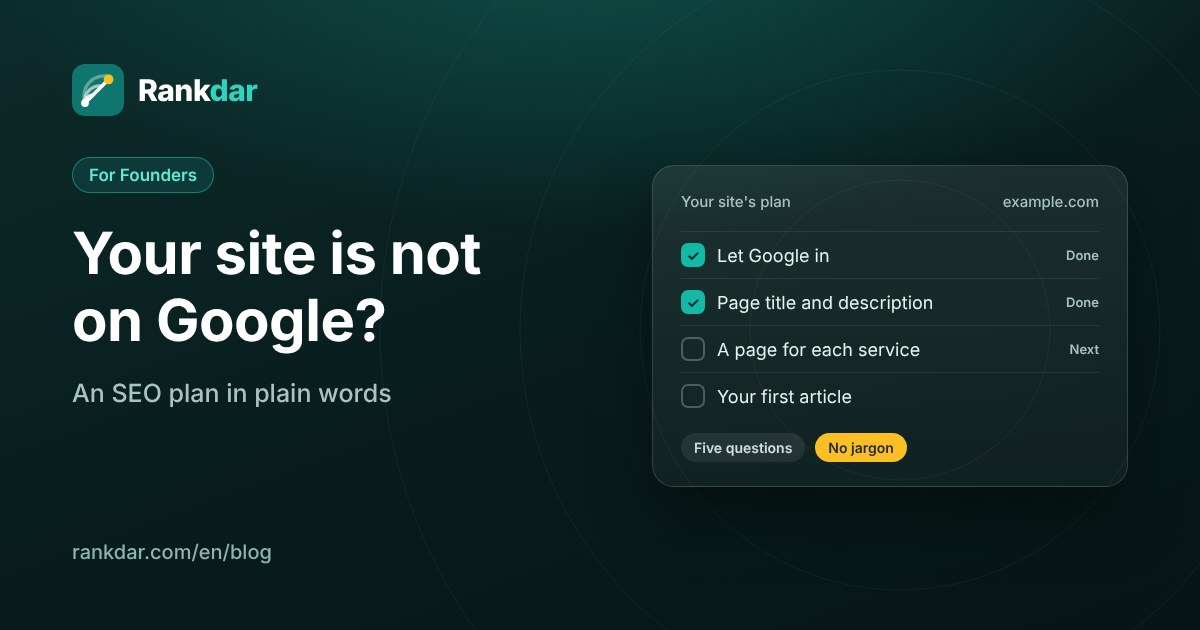
The plan does not show everything at once. It starts with the three steps that matter most; when you finish one you press "Done" and the next appears, and a progress bar shows how far you are.
If your site runs WordPress
Install the free Rankdar SEO plugin and connect it to your workspace, and an "Apply it on my site" button appears beside each fix it can apply. You see the value on your site now beside the new one, nothing changes before you approve, and any change can be undone. The plugin works with Yoast, Rank Math, All in One SEO and SEOPress, or on its own.
In what order should you start?
Open the door: make sure Google is not kept out of your site.
Fix the titles and descriptions of your most important pages.
Give each service its own page, with a clear main heading and text that explains it.
Write an article every week or two that answers one of your customers' questions.
Connect your site to Google Search Console to see what happens, and do not expect results in a day: showing on Google usually takes weeks to months.
If you want to go deeper, Google's own SEO Starter Guide is the best free place to start.
Frequently asked questions
Do I need SEO experience to use the plan?
No. We wrote it for people who have never done SEO: each problem is explained in plain words, with where its setting is, and the fix is ready to copy when it is a text.
Do you change anything on my site?
No. We only read your site, as any visitor does. If you connect a WordPress site with the plugin, nothing changes until you press "Apply" yourself.
My site runs on Wix, Shopify or another platform. Does the plan help me?
Yes. The plan works for any site, and you copy the fixes into your platform's panel yourself. One-click apply is available for WordPress for now.
How much does it cost?
It comes from your credits, and its cost shows on the button before you start, depending on how many products or services you enter, so there are no surprises.
In short
Most of what keeps a business site off Google is simple: a closed door, a title that says nothing, a page with no text, or keywords nobody types. What matters is knowing which of these your site has, and in what order to fix them. Enter your site in Rankdar SEO Agent for business owners and get your plan.
- #SEO for beginners
- #Business owners
- #SEO plan