GEO From the Source: What Google, OpenAI, Anthropic and Perplexity Say About AI Search
Before you pay for a course on showing up in AI answers, read what Google, OpenAI, Anthropic and Perplexity publish for free: how their bots read your site, which are for search and which for training, and how to let them in or keep them out.
In this article
GEO (generative engine optimization) is the work of getting your site cited in the answers of AI search engines such as Google's AI Overviews, ChatGPT and Perplexity; some call it AEO. Paid GEO courses are everywhere, and they promise different things. Yet the companies that run these engines publish free pages of their own on how they read our sites, how to let their bots in or keep them out, and what they do with what they read. This article gathers what the official guides on GEO say, from Google, OpenAI, Anthropic and Perplexity, with what each says and its link so you can read it yourself.
Google: AI Overviews and AI Mode
Google has two pages worth reading in Search Central's documentation:
AI features and your website: how AI Overviews and AI Mode use websites' pages, and how to control what is quoted from you with tags such as nosnippet, data-nosnippet and max-snippet, or take a page out of search altogether with noindex.
The AI optimization guide (updated July 2026): its main message is that what is called optimising for AI is, in Google Search, ordinary search engine optimisation; that Google Search does not use an llms.txt file; and it points you to a Search Console report on your site's performance in AI features.
Google's message: there is no special trick. A page Google can visit and index, with clear, useful content, is the way into the AI Overviews just as it is into the ordinary results.
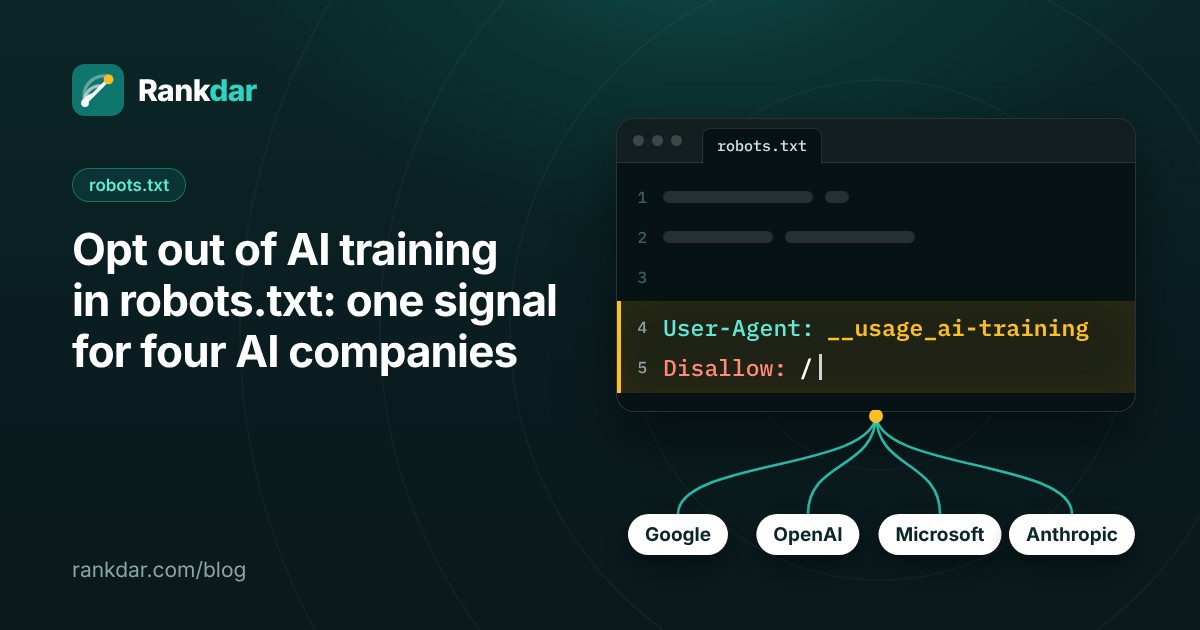
In robots.txt: Googlebot crawls your pages for Search, and AI Overviews and AI Mode draw on that same index, so blocking it takes you out of Google Search altogether. Google-Extended is a separate robots.txt token that controls whether your content is used to train Gemini models and for grounding in Gemini Apps and Vertex AI; blocking it does not affect your inclusion or ranking in Google Search.
OpenAI: showing up in ChatGPT search
Publishers and developers FAQ: for your pages to appear in ChatGPT search, allow OAI-SearchBot in robots.txt. GPTBot is a different bot that collects content to train models; you can block it alone without affecting how you appear in search. Visits from ChatGPT arrive with
utm_source=chatgpt.comin the address, so you can see them in your analytics.OpenAI's bots: a page describing each bot and what it is for: OAI-SearchBot for search, GPTBot for training, ChatGPT-User when a user asks for a given page, and OAI-AdsBot.
Anthropic: Claude's bots
In this help page Anthropic describes three bots, each with its own name in robots.txt:
ClaudeBot: collects content to train models, and follows Crawl-delay if you want its visits slower.
Claude-User: fetches a page when a user asks a question that needs it.
Claude-SearchBot: indexes pages for search results inside Claude.
Perplexity: search versus a user's request
Perplexity's crawler documentation names two bots:
PerplexityBot: builds Perplexity's search results; the company says it does not collect content to train foundation AI models.
Perplexity-User: visits a page when a user asks for it, and generally does not follow robots.txt, since a person made the request.
Perplexity also publishes its bots' IP ranges and how to set up a firewall if you want to control them there.
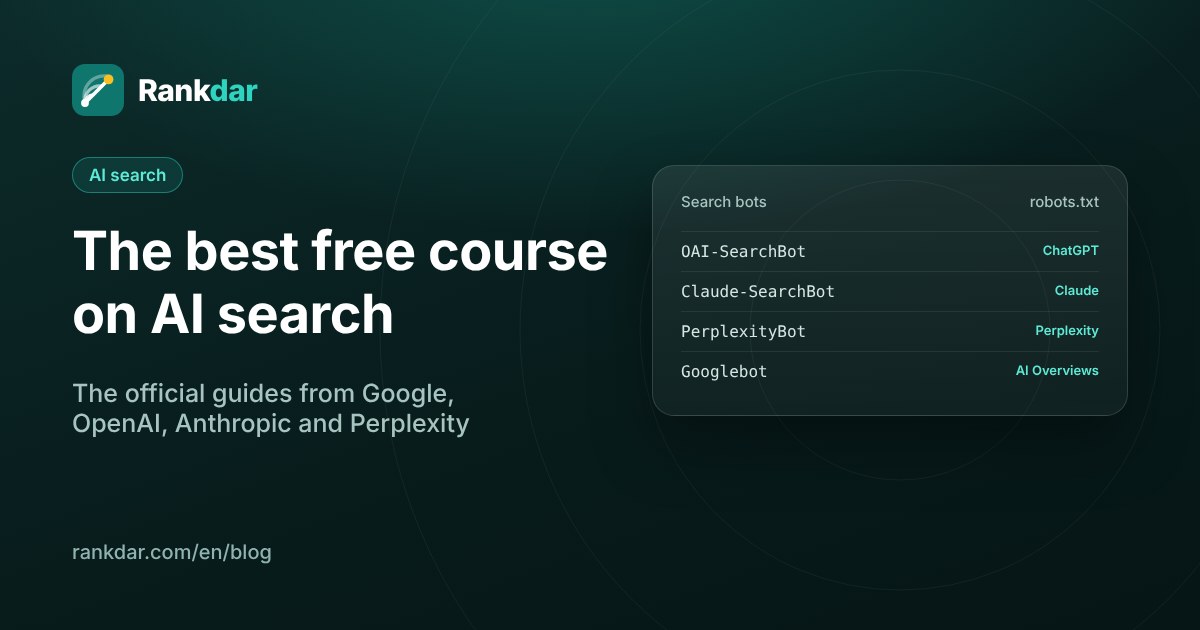
GEO in one table: each company's bots
Company | For search | For training | When a user asks for a page |
|---|---|---|---|
Googlebot | Google-Extended (a robots.txt token) | — | |
OpenAI | OAI-SearchBot | GPTBot | ChatGPT-User |
Anthropic | Claude-SearchBot | ClaudeBot | Claude-User |
Perplexity | PerplexityBot | — | Perplexity-User |
What to do in robots.txt
The choice is yours: you can let the search bots in so you appear in answers, and keep the training bots out if you do not want your content used to train. An example that allows ChatGPT search and blocks training:
User-agent: OAI-SearchBot
Allow: /

User-agent: GPTBot
Disallow: /
Keep in mind that blocking a search bot usually means not appearing in that tool's results, and that a blanket User-agent: * with Disallow: / blocks them all along with everything else.
For practical steps on your own site, read how to get cited in AI answers and schema markup without code.
See what each bot finds on your site
Rather than reading robots.txt line by line, check your site for free in Rankdar: the check shows which of these bots your site lets in, and whether your pages give them clear text to quote.
- #AI search
- #robots.txt
- #GEO